Password Strength Checker
Wondering if your password is strong enough? Learn how a password strength checker works, why it matters, and the top tools to test your password security in 2025.
Share on Social Media:
Password Strength Checker: How Secure Is Your Password Really?
Introduction: The Password Paradox
Let’s be honest—most of us are terrible at creating passwords. We recycle the same old "Password123" (guilty!) or use our pet’s name followed by a lucky number. But here’s the scary truth: a weak password is like leaving your front door unlocked in a cybercrime neighborhood.
Enter the password strength checker—a digital bouncer that tells you if your password is Fort Knox-level secure or as flimsy as a paper lock. But how does it work? Should you trust online tools? And what makes a password strong in 2025?
Whether you're a student, a busy professional, or just someone who hates getting hacked, this guide will help you test, improve, and master your password game.
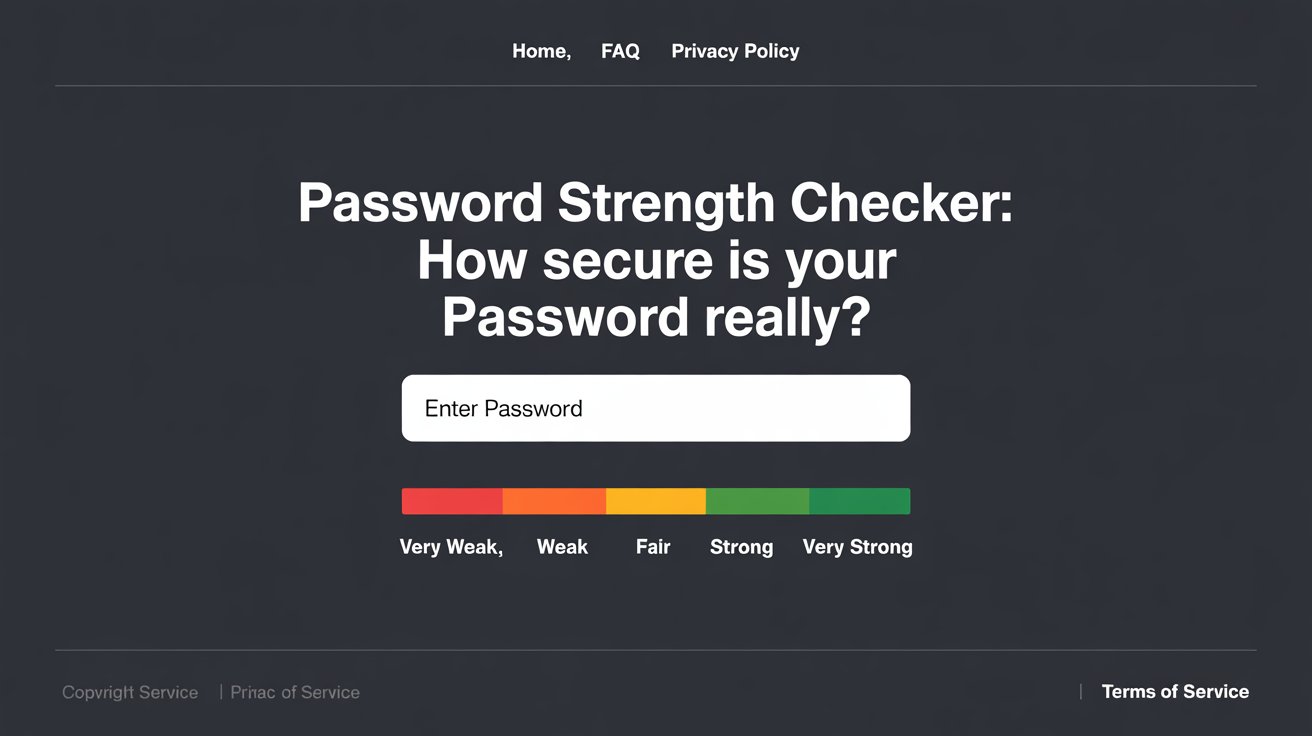
How Does a Password Strength Checker Work?
A password strength meter isn’t magic—it’s math. Here’s what happens when you type in your password:
Length Check – The longer, the better. "Supercalifragilisticexpialidocious" beats "abc123" any day.
Complexity Scan – Uses uppercase, lowercase, numbers, and symbols? Bonus points.
Entropy Calculation – Measures unpredictability. "Tr0ub4d0ur&3" > "iloveyou".
Dictionary Attack Resistance – Avoids common words ("password," "admin," "qwerty").
Crack Time Estimation – Predicts how long a hacker would take to brute-force it.
Fun Fact: A 12-character random password (e.g.,
gH7$pL2@qZ9!) could take centuries to crack. Your childhood nickname? About 3 seconds.
(Insert image: Password strength meter showing weak vs. strong examples)
FAQs: Your Burning Password Questions, Answered
1. Why Is My Long Password Still "Weak"?
Length isn’t everything. "111111111111" is long but laughably easy to guess. Mix in uppercase letters, symbols, and unpredictability.
2. Do Special Characters Help?
Yes! Adding !, @, or # increases the possible combinations. But don’t just tack one at the end—sprinkle them creatively (e.g., "C@tL0v3r!" > "Catlover1").
3. Are Online Password Checkers Safe?
Most reputable tools (like NordPass or Bitwarden) analyze locally without storing your password. Avoid sketchy sites asking for personal data.
4. How Often Should I Change Passwords?
Forget the old "every 90 days" rule. Instead:
Change if a service gets hacked.
Use unique passwords for every account.
Enable two-factor authentication (2FA).
5. What’s Password Entropy?
A fancy term for "how random your password is." Higher entropy = harder to crack. Use a passphrase like "BlueCoffeeMug$Falls2Fast!" instead of "P@ssw0rd."
(Insert table: Password examples and their crack times)
| Password | Strength | Time to Crack |
|---|---|---|
| 123456 | Very Weak | Instantly |
| Password123! | Weak | 2 minutes |
| J3$u5L0v3sTacos# | Strong | 3 million years |
Top Password Strength Checkers in 2025
Want to test your password? Here are the best tools:
NordPass Password Strength Checker – Integrates with NordPass for secure storage.
Bitwarden Password Tester – Great for estimating crack time.
WebmasterTool’s Checker – Simple, no-frills strength meter.
Pro Tip: Use these tools before finalizing a password, not after you’ve already committed to "Fluffy123."
How to Create a Strong (and Memorable) Password
Use a Passphrase – "MyDogAte3Pizzas!" is stronger than "P@55w0rd."
Try the “Bruce Schneier Method” – Pick a sentence and tweak it:
Original: "I visited Paris in 2024 and ate croissants."
Password: IvPi2024&ac!
Avoid Personal Info – No birthdays, pet names, or "yourname123."
Final Verdict: Is Your Password Hack-Proof?
A password strength checker is like a gym trainer for your passwords—it points out weaknesses so you can bulk up security. But remember:
No tool is 100% foolproof.
Pair strong passwords with 2FA.
Never reuse passwords (yes, even that "throwaway" one).
Your Action Plan:
✅ Test your current passwords with a password security checker.
✅ Update weak ones using a strong password generator.
✅ Store them safely in a password manager.
Got a hilarious (or horrifying) password story? Share it below! And if you’re still using "admin," well… may the odds be ever in your favor. 🔒